 PowerSupporter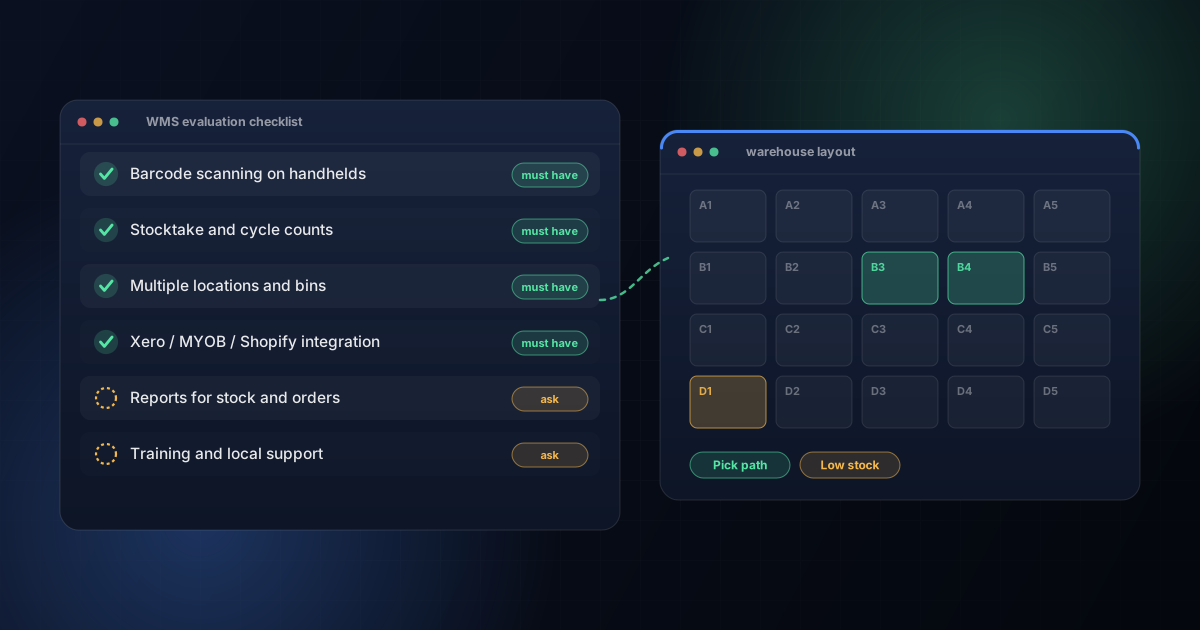
Match the system to your workflow: confirm it supports barcode scanning, real-time stock tracking and your key integrations (Xero, Shopify), then choose between an off-the-shelf SaaS product and a custom build based on how standard your process is.
The Problem
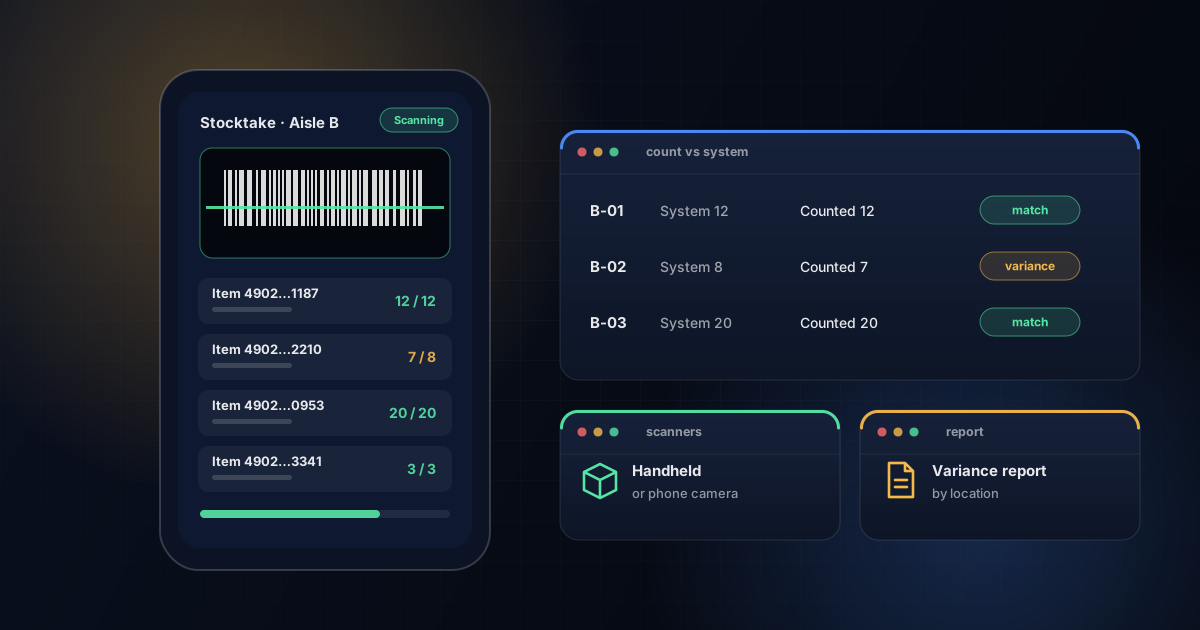
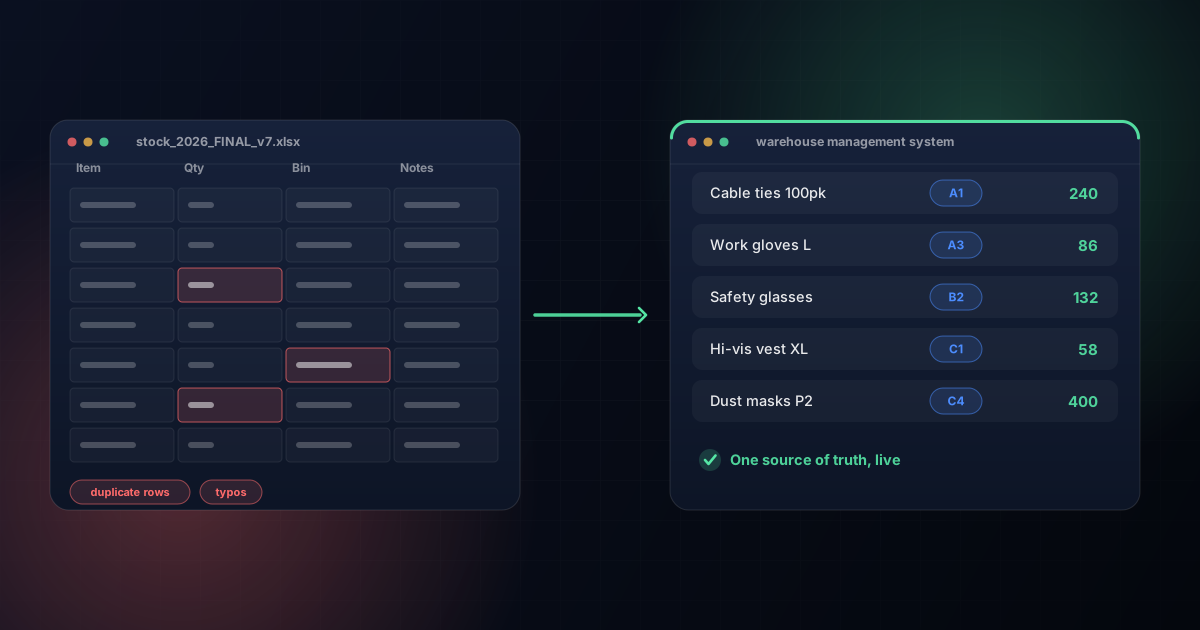
Your on-screen stock count doesn't match the shelf. Stocktakes take 2–3 days. Staff short-pick or mis-pick orders most weeks. No one can locate a SKU without walking the floor.
3 Ways to Fix It
- SaaS WMS (Cin7, DEAR Inventory, Unleashed) — A$200–$2,000/month, live in 2–4 weeks. Fits a standard receiving-pick-pack-dispatch workflow.
- Custom WMS, Phase 1 (barcode receiving + stocktake) — A$15,000–$30,000 upfront, no per-seat licence fees. Fits workflows with 3PL billing, FIFO/FEFO or integrations a standard product doesn't cover.
- Generic inventory app — A$0–$100/month. Tracks stock counts only — no directed picking, dispatch scanning or 3PL billing.
| Option | Cost | Setup Time | Best Fit |
|---|---|---|---|
| SaaS WMS | A$200–$2,000/mo | 2–4 weeks | Standard workflow |
| Custom WMS, Phase 1 | A$15,000–$30,000 | 6–8 weeks | 3PL, FIFO/FEFO, unique integrations |
| Generic inventory app | A$0–$100/mo | Days | Stock counts only |
For a full pricing breakdown, see our WMS cost guide. If you'd like a recommendation for your warehouse, contact the PowerSupporter team.
Frequently Asked Questions
What is a warehouse management system (WMS)?
Software that controls and tracks warehouse operations — receiving, put-away, picking, packing, dispatch and stocktake — using barcode or RF scanning and real-time stock data.
How much does a WMS cost for a small Australian warehouse?
A custom WMS starts from A$15,000–$30,000 for a first phase covering receiving and stocktake. SaaS products range from A$200–$2,000/month. See our full WMS pricing guide.
Should I buy off-the-shelf or build custom?
Buy off-the-shelf if your workflow is standard and you need to go live quickly. Build custom if you have specific requirements — 3PL billing, FIFO/FEFO, unique integrations — that a standard product doesn't support.












PowerSupporter Editorial Team
Based in Melbourne, PowerSupporter builds custom warehouse management and inventory systems for small and mid-sized Australian warehouses — from barcode stocktake to full WMS and 3PL software.